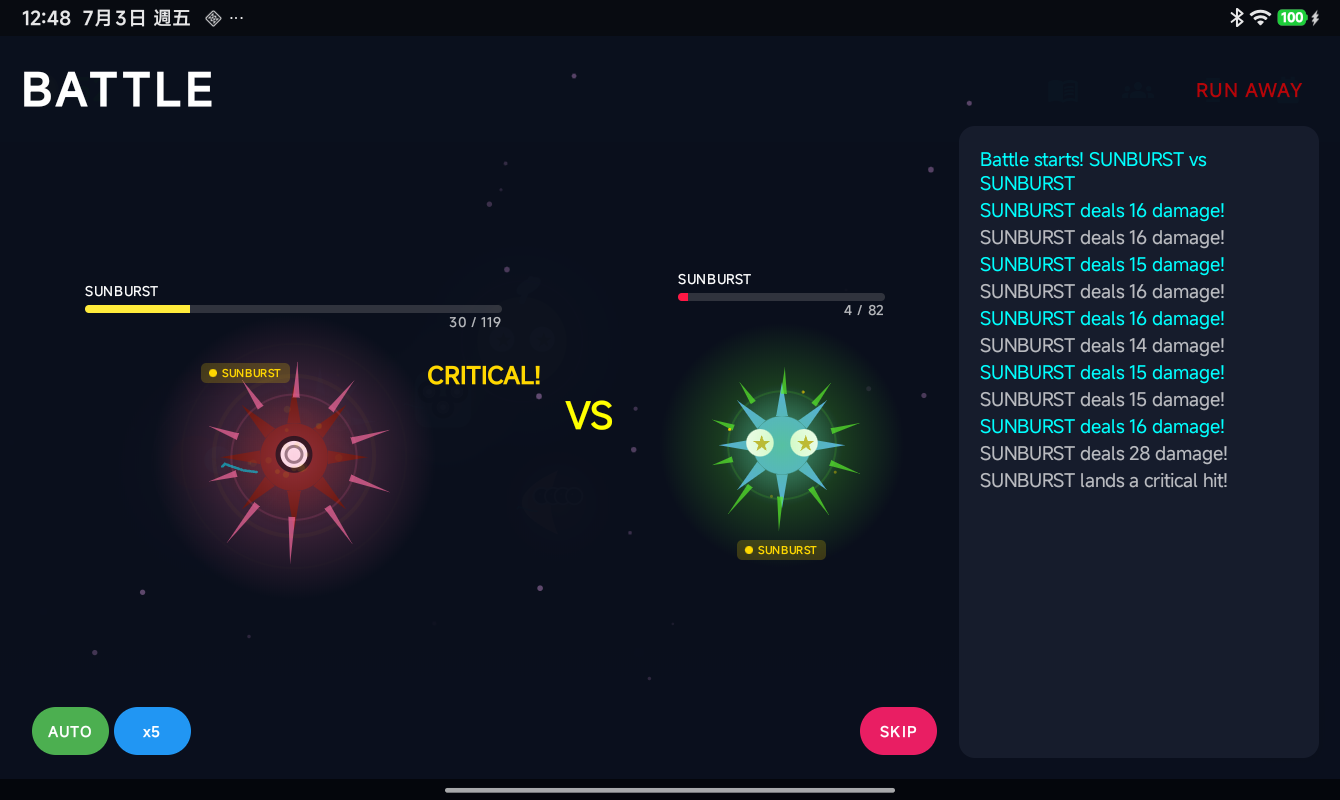
Multiplayer
Go head-to-head with players around the world, trade pods, and make friends.
Getting Online
- Tap the Online Hub button
- Sign in with Google
- Your profile is saved to the cloud
PvP Battles
1v1 Battle
Pick one pod and challenge another player. Same Attack / Skill system as wild battles, but your opponent is thinking too. Both picks are revealed at the same time. No turn advantage — it's a true simultaneous showdown.
Team Battle
Bring 3 pods to the fight. They battle in sequence — when one faints, the next one steps up. Strategy matters: which pod do you lead with? Type coverage across your three pods is key.
Matchmaking
Challenge friends from your list or find random opponents through the matchmaking system.
Trading
Swap pods with other players through the Online Hub.
| Action | How It Works |
|---|---|
| Send Offer | Pick a pod you want to send, select a friend |
| Receive Offer | See what pod someone sent you — then Accept or Decline |
| One-way Send | Send a pod without asking for anything in return |
Both players must agree. Trades are final (no take-backs).
Friends
Add friends to trade and battle with them. Your friends list syncs across devices via the cloud.
Cloud Save
Your collection, particles, missions, and progress are saved to the cloud. Switch devices or reinstall — your game is safe. Cloud save syncs via your Google account.
Multiple Profiles
You can create multiple game profiles all saved to the cloud. Switch between them anytime from the Online Hub.
Transfer Pods Between Profiles
Move a LumenPod from your current profile to another one of your profiles:
- Open the Online Hub and tap Switch Profile
- Find the target profile and tap the send arrow icon next to it
- Select which pod to transfer from your current profile
- The pod is moved — it leaves your current profile and appears in the target
Rules: - Favorited pods cannot be transferred (unfavorite them first) - You can't transfer to the same profile - Transfer is instant and saved to the cloud